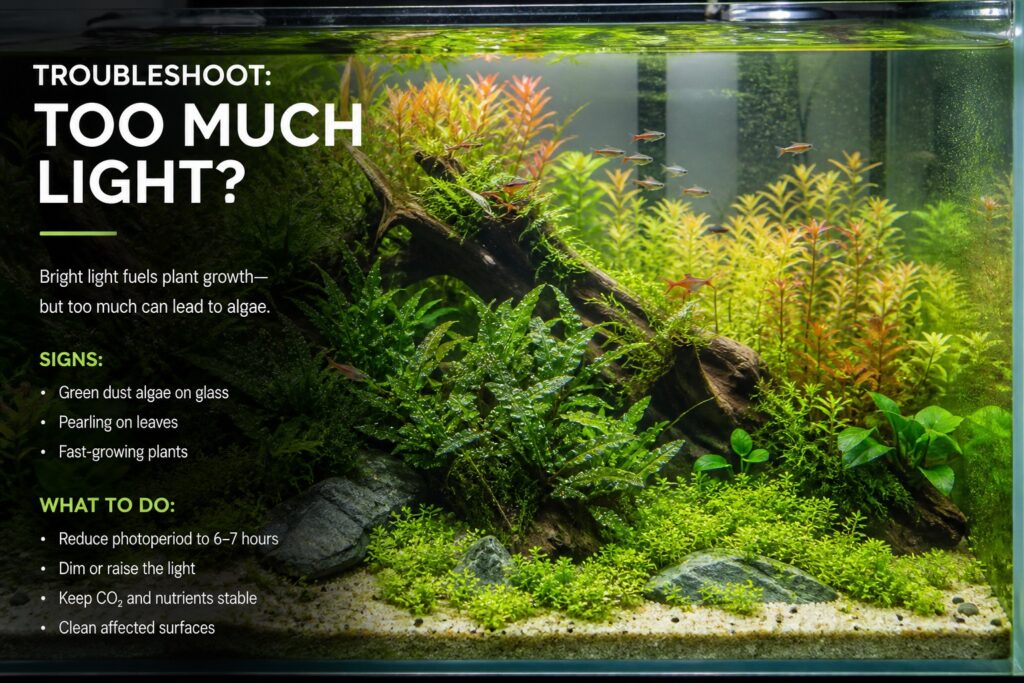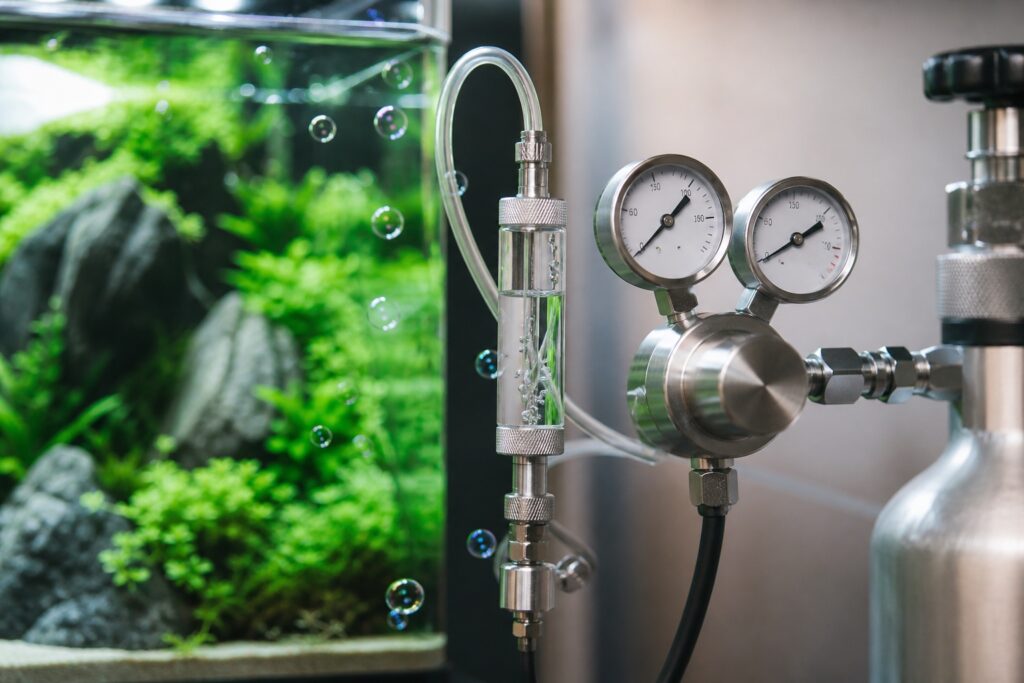
A timer is a convenient device for adjusting the external conditions of an aquascape or aquarium; it can help us automatically turn on and off devices like CO2, lights, or air pumps. Below, we would like to introduce how to use an electronic timer.
You may be interested in:
→ How to use a mechanical timer
→ Mixing substrate formulas for aquascapes
→ How to glue an aquascape without a frame
Please note: The illustrative images are of a timer using the English language; however, there are timers on the market that use Chinese on the display panel. They are completely similar in layout, so if you have purchased an electronic timer with Chinese characters, follow the steps we guide below!


– Step 1: Press and hold the CLOCK button (hold throughout the setup process)
– Step 2: Press HOUR to adjust the hour (Note: AM – Morning, PM – Afternoon)
– Step 3: Press MIN to adjust the minutes
– Step 4: Press DAY to adjust the day
Set it to match the current date and time
Setting the on/off times for the timer
 – Step 1: Press the SET button for the “1st time,” the screen will display “1-ON,” which means the first ON time
– Step 2: Press HOUR and MIN to set the hour and minute for the first ON time
– Step 3: Press the SET button for the “2nd time,” the screen will display “1-OFF,” which means the first OFF time
– Step 4: Press HOUR and MIN to set the hour and minute for the first OFF time
If you want to delete all settings and reset the hour and minute, press the “closed arrow” below the SET button
Similarly for the 2nd, 3rd, 4th, 5th, 6th…., 19th, 20th OFF and ON times
– Step 5: Press DAY to set the days you want to OFF and ON, e.g., MON (Monday) or MON-WE-FR (Monday-Wednesday-Friday) or TU-TH-SA (Tuesday-Thursday-Saturday) or SA-SU (Saturday-Sunday)… there are many day combinations to choose from; in the image, I selected all days of the week
After finishing the program setup, press CLOCK to return to normal operation
Setting the mode:
To set the mode, press MANUAL
There are 4 ON/OFF modes:
– ON: always ON
– AUTO ON: automatically ON
– OFF: always OFF
– AUTO OFF: automatically OFF
 Here are some notes when you set the timer
For example: We set 2 automatic ON/OFF times for the lights as follows:
7 AM ON – 11 AM OFF (meaning the lights are on from 7 AM to 11 AM)
1 PM ON – 5 PM OFF (meaning the lights are on from 1 PM to 5 PM)
– If you suddenly want to turn the lights ON at any time: press MANUAL – ON
– If you suddenly want to turn the lights OFF at any time: press MANUAL – OFF
– To return to the automatic ON/OFF mode according to the set times, press: MANUAL – AUTO OFF (if within the time frame the lights are ON, i.e., 7 AM-11 AM and 1 PM-5 PM) and MANUAL – AUTO ON (if within the time frame the lights are OFF, i.e., 11 AM-1 PM and 5 PM-7 AM the next day)
(This article is edited from images and content sourced from Google)
WISH YOU SUCCESS!
Tag: Aqua Plants Hub
Aqua Plants Hub Editorial