Troubleshoot
Cloudy Aquarium Water After Setup — Diagnose & Fix
Cloudy water after setup is usually a bacterial bloom or fine particles—not a reason to restart. Diagnose the cloud type, then follow a calm fix order.
- Cloudy water
- Bacterial bloom
- New setup
- Don’t over-clean
What you’re seeing
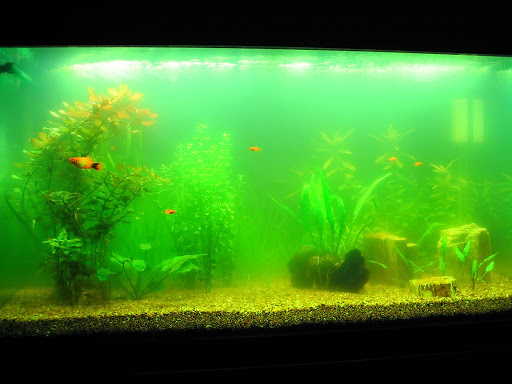
Flashlight test through the side: milky grey/white = often bacterial; sandy tint that settles = particles; pea-soup green = green water (different path).
| Cloud type | Likely cause |
|---|---|
| Milky white/grey 3–14 days after fill/feed | Bacterial bloom |
| Dusty cloud that settles somewhat overnight | Substrate fines / insufficient rinse |
| Cloud with leftover food / low flow | Organics fueling bloom |
| True green tint through the beam | Green water — not the same fix |
Likely causes (ranked)
Bacterial bloom (new cycle)
Free-floating bacteria outpace grazers/filters briefly when organics appear.
Quick test: Milky water days after fill or first feedings.
Fine substrate dust
Sand/soil not rinsed well stays suspended.
Quick test: Settles partially overnight; worse after stirring.
Overfeeding / organics
Food fuels blooms and ammonia risk.
Quick test: Leftover food; cloudy after heavy feeding.
Green water
Free-floating algae—needs light control/UV thinking, not only “wait for bacteria.” New tanks often go through a grey bacterial bloom after the first feedings. The water looks dirty even when ammonia is low—tests prevent panic restarts.
Quick test: Pea-soup green, not grey.
Fix order
-
Step 1
Identify cloud color
Green → blackout/UV path. Grey/white → bacterial. Settling dust → mechanical polishing and patience.
-
Step 2
Stop feeding 24–48h (bacterial)
Keep the filter running. Don’t restart the tank.
-
Step 3
Modest water changes if chemistry demands
20–30% if ammonia rises—don’t reset daily 80% unless tests demand it.
-
Step 4
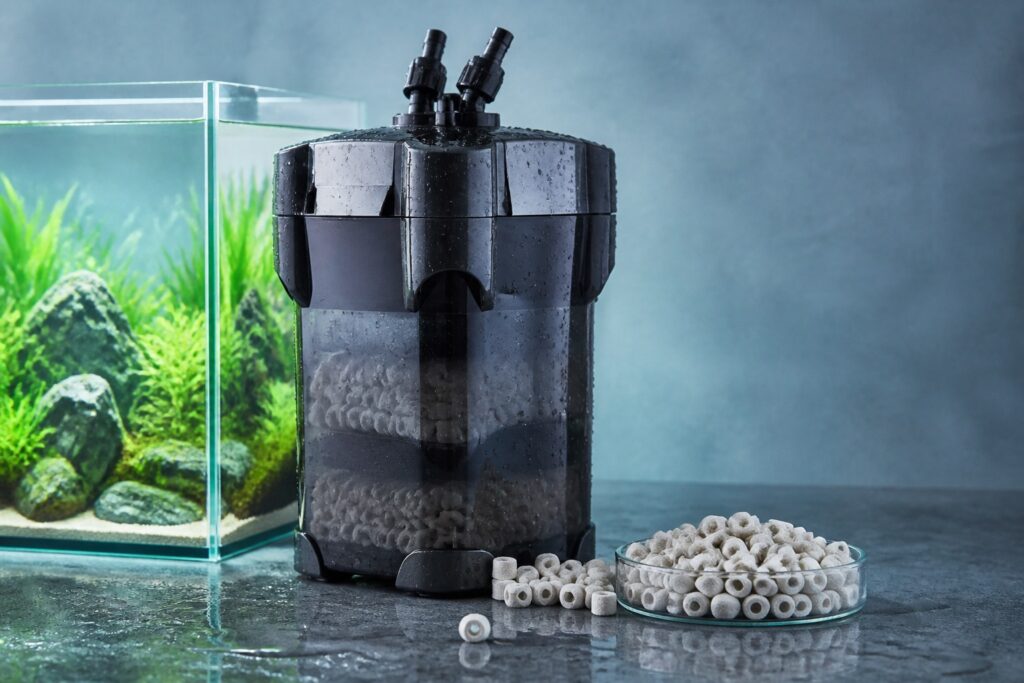
Support filtration
Rinse mechanical media in tank water if clogged; add fine floss temporarily to catch particles. Don’t bleach bio media.
What not to do: Do not bleach the bio media, do not empty the tank, and do not run UV on day one as a substitute for identifying green vs milky clouds.
Timeline: Many bacterial blooms clear in several days to about two weeks if feeding is light and filtration stays online. If ammonia climbs, follow the ammonia guide in parallel.
Particle vs bloom tip: If debris settles overnight into a thin dust layer, rinse future substrate better and polish with fine floss. If the cloud stays evenly milky with no settle, treat it as a bacterial bloom and keep feeding light.
Filter hygiene: If flow feels weak, rinse mechanical sponges in a bucket of tank water only. Stronger turnover clears particles faster and keeps bacterial blooms from lingering in dead zones behind décor.
When to escalate
- Ammonia during the cloud → Ammonia spike.
- Full new-tank cycle guide → New tank syndrome.
- Brown dust on glass → Brown diatoms.
- Calculators → All calculators.
Helpful products
Related guides
- Ammonia spike — Related
- New tank syndrome — Related
- Brown diatoms — Related
- All calculators — Tools
FAQ
Should I empty the tank?
No—diagnose and support filtration.
Is cloudy water always ammonia?
No—test. Many blooms are ammonia-safe but ugly.
Will carbon clear it?
Sometimes helps polish; it doesn’t fix overfeeding.
How long do bacterial blooms last?
Often several days to ~2 weeks if you stop overfeeding and keep the filter running.
Green cloudy vs milky cloudy?
Green usually free-floating algae; milky grey/white more often bacterial—different tactics.
Should I add more bottled bacteria every day?
Optional once or twice; flooding bottles daily rarely helps more than stopping overfeeding and keeping the filter running.
Is white cloud different from green cloud?
Usually yes—milky grey/white leans bacterial; pea-soup green leans free-floating algae. Flashlight color through the side helps.
Aqua Plants Hub Editorial